
Why Run LLMs On-Premise at All
For a mid-sized company, the strongest reason to run a language model on your own hardware is control over data. When the model lives on a machine in your building, no prompt, no document, and no customer record ever leaves the perimeter you already secure. There is nothing to negotiate in a data-processing agreement, no third-party sub-processor to audit, and no question about which country your inputs are stored in.
That maps directly onto the demands German and European companies already face. Under the GDPR, the safest posture is often the one where personal data simply never travels to an external service. On-premise deployment turns that into a technical fact rather than a contractual promise. For regulated sectors — healthcare, legal, finance, public administration — that difference can decide whether an AI project is allowed to proceed at all.
There are practical advantages beyond compliance. At steady, high volume, you stop paying per token: once the hardware is bought, running one more query costs only electricity. You avoid vendor lock-in, because the open-weight model on your disk cannot be deprecated, repriced, or rate-limited out from under you. And you gain the ability to run fully offline or air-gapped — useful for production networks, sensitive research, or sites with unreliable connectivity.
None of this makes on-premise the automatic right answer. It is the right answer when data sensitivity, volume, or independence matter more than getting started in an afternoon. If you want help weighing that against a managed setup, our services overview describes how we scope and build these systems end to end.
What Model Size Do You Actually Need
The instinct is to reach for the biggest model available. That instinct is usually wrong, and it is the single most expensive mistake in on-premise planning. Model size is measured in parameters — the billions of numbers the model learned during training — and more parameters mean broader general capability, but also far more hardware to run. The right question is never "what is the best model," but "what is the smallest model that does this specific job reliably."
For a narrow, well-defined task — classifying support tickets, extracting fields from invoices, drafting standardized replies, answering questions over your own documents — a smaller model that has been fine-tuned or grounded in your domain often matches or beats a huge general-purpose one. The large model knows more about the world; the smaller specialized model knows more about your world, which is what the task actually needs.
Rough tiers to plan around
It helps to think in tiers rather than exact numbers. Smaller models in the roughly 7-to-8-billion-parameter range are surprisingly capable for focused tasks: extraction, classification, summarization, and retrieval-grounded question answering. They fit on modest hardware and respond quickly, which makes them ideal for pilots and for high-volume, repetitive work.
Mid-sized models around 13 billion parameters give you more headroom for nuance — better instruction-following and more coherent longer answers — at a meaningfully higher hardware cost. The larger tier, from roughly 30 to 70 billion parameters, is where you go when the task genuinely demands broad reasoning, complex multi-step instructions, or high-quality free-form writing. That capability is real, but so is the requirement: these models need serious, and often multiple, GPUs.
GPU Memory Is the Real Constraint
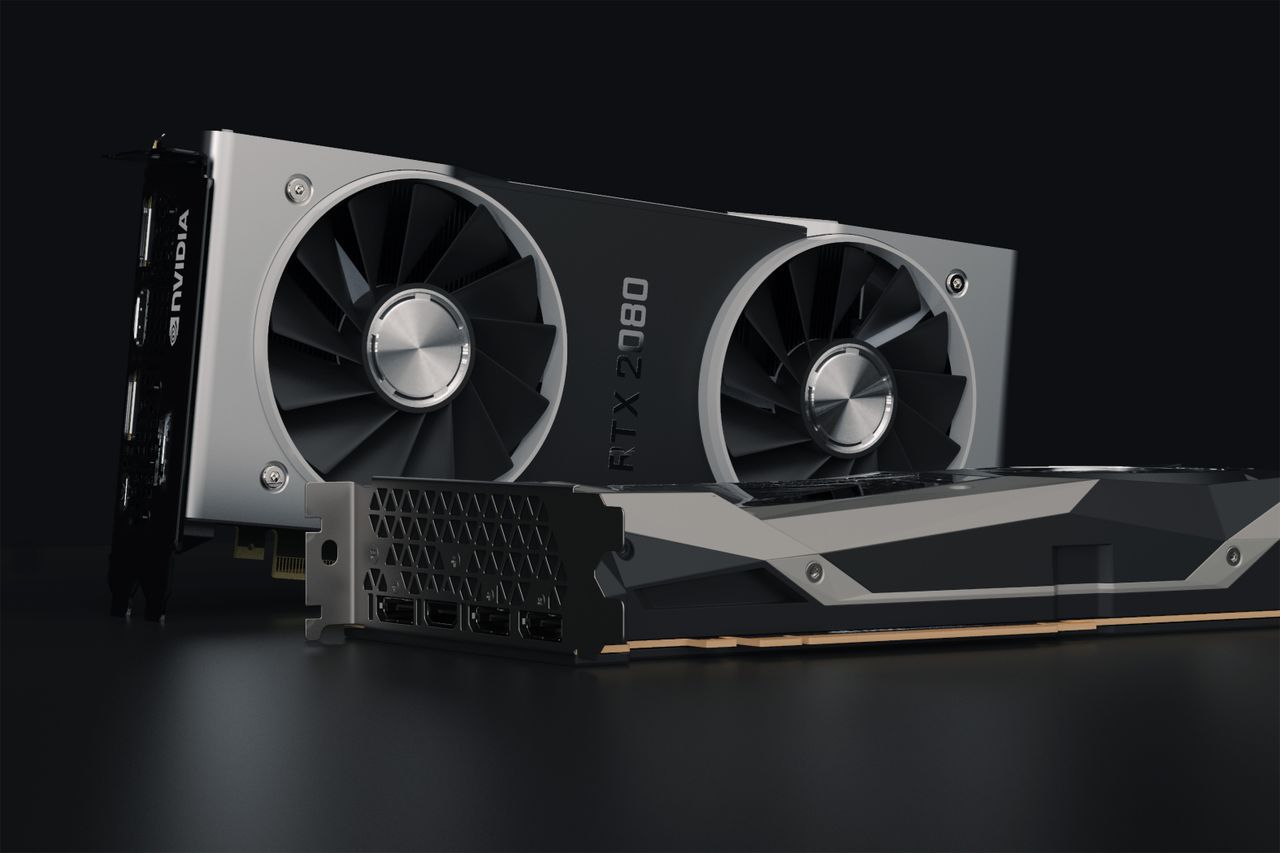
When people picture GPU requirements, they think about speed. For running a language model, the gating factor is almost always something else: memory. A GPU's video memory — its VRAM — has to hold the entire model at once before the model can produce a single word. If the model does not fit, it does not run at all, no matter how fast the chip is.
Two things have to fit in that memory. First, the model weights themselves: every one of those billions of parameters is a number that must sit in VRAM. Second, the context — the prompt, the retrieved documents, and the running conversation — which grows with how much text the model is working over at once. The weights dominate, but a long context is not free, and both compete for the same fixed pool.
A rule of thumb for the weights
You can estimate the weight footprint from two things: the parameter count and the numeric precision each parameter is stored in. At full 16-bit precision, each parameter takes two bytes, so the weights need roughly two gigabytes of memory per billion parameters. A 7-billion-parameter model therefore wants on the order of 14 GB just for weights before you add any context; a 70-billion-parameter model wants around 140 GB, which is why it spills across several GPUs.
This is also why the parameter-count decision and the hardware decision are the same decision viewed from two sides. Choose the model, and you have largely chosen the class of GPU you need — which is exactly why quantization, the next topic, is such a useful lever.
Quantization: Doing More With Less
Quantization is the technique that makes on-premise LLMs affordable for most companies, and it is simpler than it sounds. Recall that each parameter is stored at some numeric precision — 16 bits by default. Quantization stores those same parameters at lower precision: 8 bits, or commonly 4 bits. Fewer bits per parameter means the whole model takes proportionally less memory.
The effect on the hardware requirement is dramatic. Dropping from 16-bit to 4-bit storage cuts the weight footprint to roughly a quarter. That 7-billion-parameter model that wanted around 14 GB now fits in the neighborhood of 4 to 5 GB. In practical terms, quantization lets a model that would have needed an expensive GPU run comfortably on a much cheaper one — or lets you fit a genuinely larger, more capable model onto the card you already have.
The natural worry is quality. The honest answer is that quantization does cost something: the model's answers are approximations of the full-precision version, and at aggressive settings the loss becomes noticeable. But for moderate quantization — 8-bit, and often 4-bit — the quality difference on real business tasks is usually small enough that most users cannot tell, while the memory savings are enormous. For a large share of on-premise deployments, a well-quantized bigger model is the sweet spot: more capability than a small model, at hardware cost you can actually justify.
Example Configurations
It helps to translate all of this into concrete machines. The three tiers below are described by what they are good for rather than by prices or benchmarks that shift constantly and vary by vendor — treat them as starting points for a conversation, not a shopping list.
Entry: a single-GPU workstation
The entry point is a single workstation with one consumer or entry-professional GPU. With quantization, this handles small models in the 7-to-8-billion range comfortably and can stretch to mid-sized models. It is the right choice for pilots, internal tools with a handful of users, and proving that a use case works before you invest further. Many successful on-premise projects never need more than this, because the task turned out to fit a small model well.
Mid: a server with a professional GPU
The middle tier is a proper server with a single professional-grade GPU carrying substantially more memory than a workstation card. This is the workhorse for a production department tool — a document-search assistant for a whole team, a drafting tool used across a department — where you want a mid-sized or well-quantized larger model, room for longer context, and enough throughput to serve several people at once without queuing.
Larger: a multi-GPU box
The top tier is a multi-GPU server, where several cards pool their memory to hold the large 30-to-70-billion-parameter models, or to serve many concurrent users on smaller ones. You move here when the task genuinely needs broad reasoning quality, or when usage across the company has grown to the point that one GPU can no longer keep up. It is the most capable and the most demanding to operate, and it should be justified by a workload you have already measured, not anticipated.
Cloud vs. On-Premise Cost
Hardware you own is not automatically cheaper than a cloud API. Which one wins depends almost entirely on how much and how steadily you use it, and it is best reasoned about as a break-even question rather than a fixed rule.
A cloud or API model is billed per token: you pay for what you use, with no upfront cost. That is decisively better when volume is low, spiky, or still unknown. If you are experimenting, if usage swings wildly month to month, or if you need to be running this week, paying per query keeps you from sinking capital into a machine you might barely use. The cloud also absorbs the operational burden — no GPU to buy, patch, or replace.
Two factors push the decision beyond pure arithmetic. High, predictable volume favors on-premise, because owned capacity amortizes while API bills keep accruing. And strict data rules can favor on-premise regardless of the numbers — if the workload legally cannot leave your building, the comparison is not about cost at all. The task is to locate your break-even point honestly, then check whether data requirements override it.
Getting the Sizing Right
The most expensive mistake in on-premise AI is not buying the wrong GPU. It is buying any GPU before you understand the workload. Hardware chosen from a spec sheet, or from a vendor's recommendation, tends to be sized for the model someone is selling rather than the job you actually have — which is how companies end up with a powerful multi-GPU server running a task a single small card would have handled.
The sequence that avoids this is simple and almost always ignored: define the task first, choose the smallest model that does it reliably, decide on a quantization level, and only then size the hardware to what that combination requires. Do it in that order and the machine follows from the workload. Do it in the reverse order and you are guessing.
Getting that sequence right is exactly what our AI Readiness Check is built to do. It works through your concrete use case, identifies the model class it actually needs, and produces a hardware sizing you can act on with confidence — before any money is committed to a box in the corner of your server room.